
The Silent Auction
Dining With The Chefs
Flavors of Greece
Bid from anywhere — you don’t have to be at the event. Every bid supports free healthcare in Montgomery County.
Never done this before?
Here’s how it works
Register as a bidder
Tap the button above and create your free account. All we need is your name, email, and phone number.
Check that it worked
Look at the top right corner of the page — it should now say "My Account" instead of "Sign In."
Browse the items
Look through everything up for auction, right from your phone, whenever it's convenient for you.
Place your bid
Bid on anything you love. Set a max bid and the system will bid for you automatically, up to that amount.
Get an alert if you're outbid
You can opt in to get a text or an email the moment someone bids higher, so you always get a fair shot at winning.
Pay and pick up your item
Complete payment securely online, then pick up or arrange delivery for your new treasure.
Good to know
How you’ll know you’re all set
The most common mix-up: people register successfully but aren’t sure it worked. Here’s the one thing to check — look at the top right corner of the auction site.
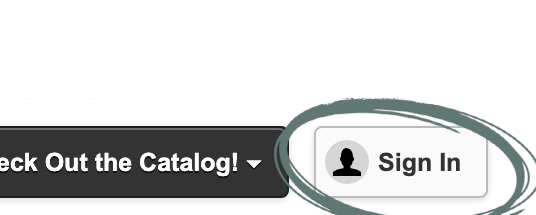
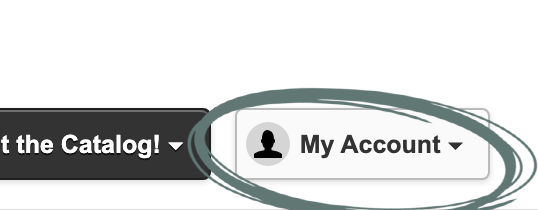
Still stuck? If it still says “Sign In” after you’ve registered, refresh the page. If that doesn’t do it, grab any volunteer and we’ll get you set up.
Up for auction
The catalog

Loading the catalog…